Beginning October 27,you will be required to input the pin/password associated with your general library account to accessLibby (Overdrive) and Kanopy. If you need help with your password, please email circdesk@dppl.org or call 847-376-2788.
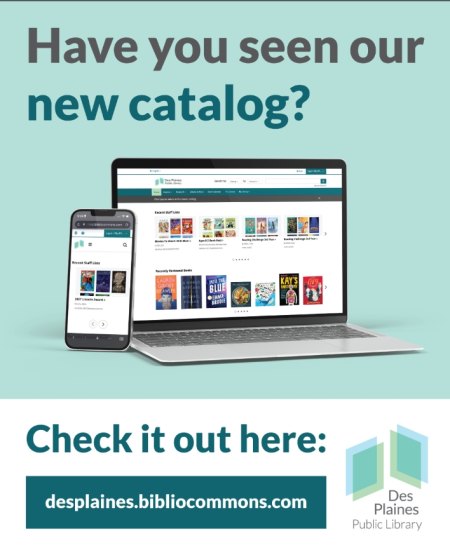
Our consortium, CCS (Cooperative Computer Services) has upgraded the DPPL's "classic" catalog to BiblioCore, a redesigned catalog experience built to make discovering books, movies, and music easier and more enjoyable!
Experience improved searching, easier browsing, accessibility upgrades and new community features
Exciting Features!
· Modern & Mobile-Ready: A modern, responsive design that works on any device.
· Improved Searching: Smarter searching lets you use everyday language to quickly find what you need.
· Grouped Results: Grouped search results bring together multiple editions/formats of the same title to reduce clutter.
· Personal Reading Shelves: Easily track what you’ve read, what you’re reading, and what you want to borrow next! Create your own booklists and optionally share them with the community.
· Enhanced Community Features: Explore community and staff created booklists, ratings and reviews.
· Accessibility First: Designed with accessibility considerations, including keyboard navigation, screen reader support, color contrast and text resizing.
Questions or comments?
We want to hear from you! Feedback is welcome via: help@dppl.org
How to Get Started
Create an account with your library card number and existing PIN number/password to place holds and use the community features. This will connect you with your existing library card account.
You will be asked to create a username which is only visible when using the “community” features: making lists, leaving comments or reviews. You may use either your library card number or username to log in once registered.
Members aged 12 and under can choose from a combination of animals, colors and numbers. (Due to the Children’s Online Privacy Protection Act, children are not allowed to use their real names, create usernames or enter comments.)
Members aged 12 and under can:
· Add star ratings
· Add age suitability
· Add similar titles
· Create lists using pre-defined titles
Reading History and Lists
Once registered, you have the option to connect to your reading history from the classic catalog (if it was enabled originally) and also transfer any saved lists from the classic catalog.
All items transferred from these lists are grouped into the “For Later” shelf.